
Learning Commons Facilities
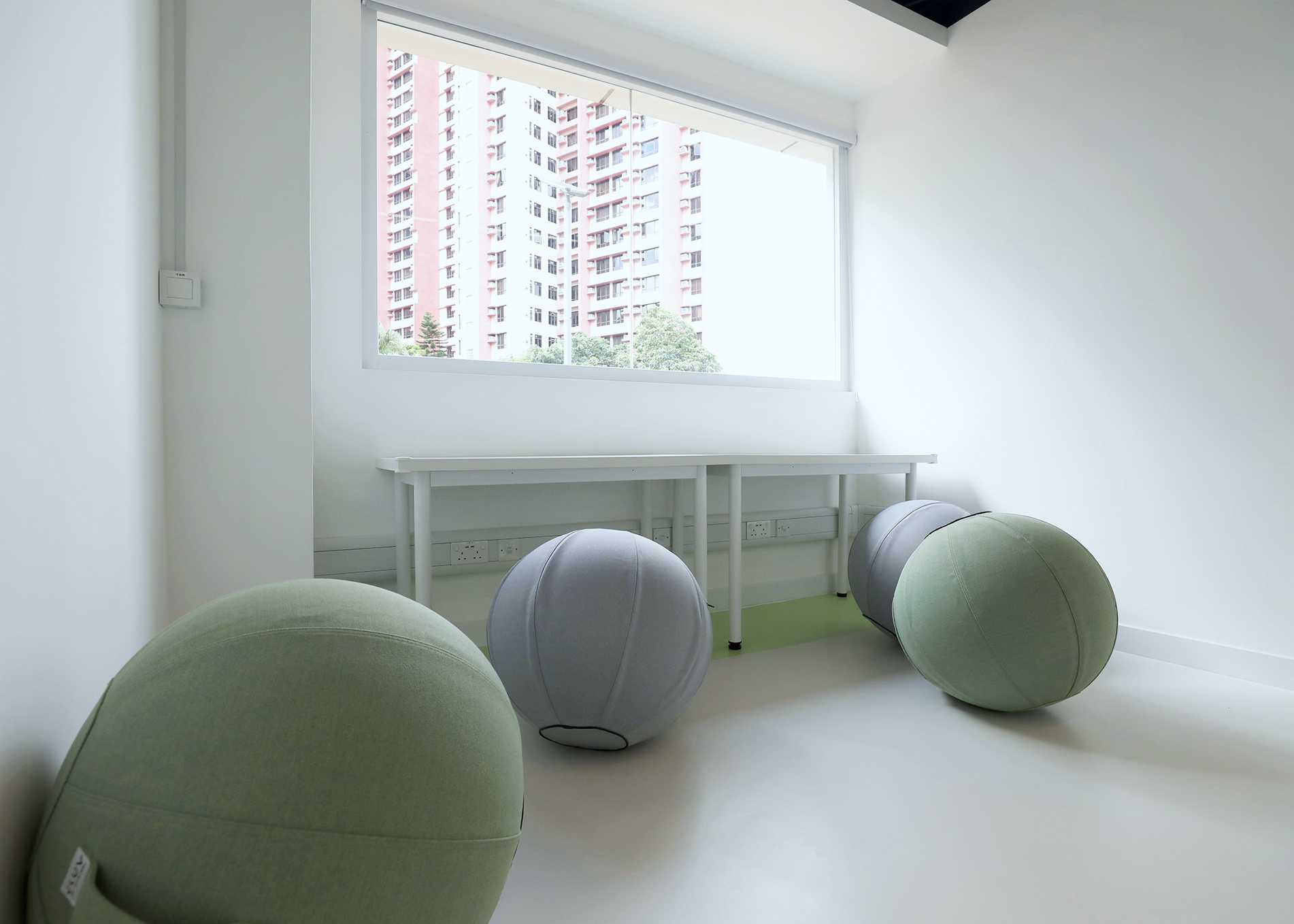
Activity Rooms
There are 2 Activity Rooms in the Learning Commons.
Equipped with sitting ball chairs and desks, these rooms provide a relaxing environment for knowledge sharing and exchange.
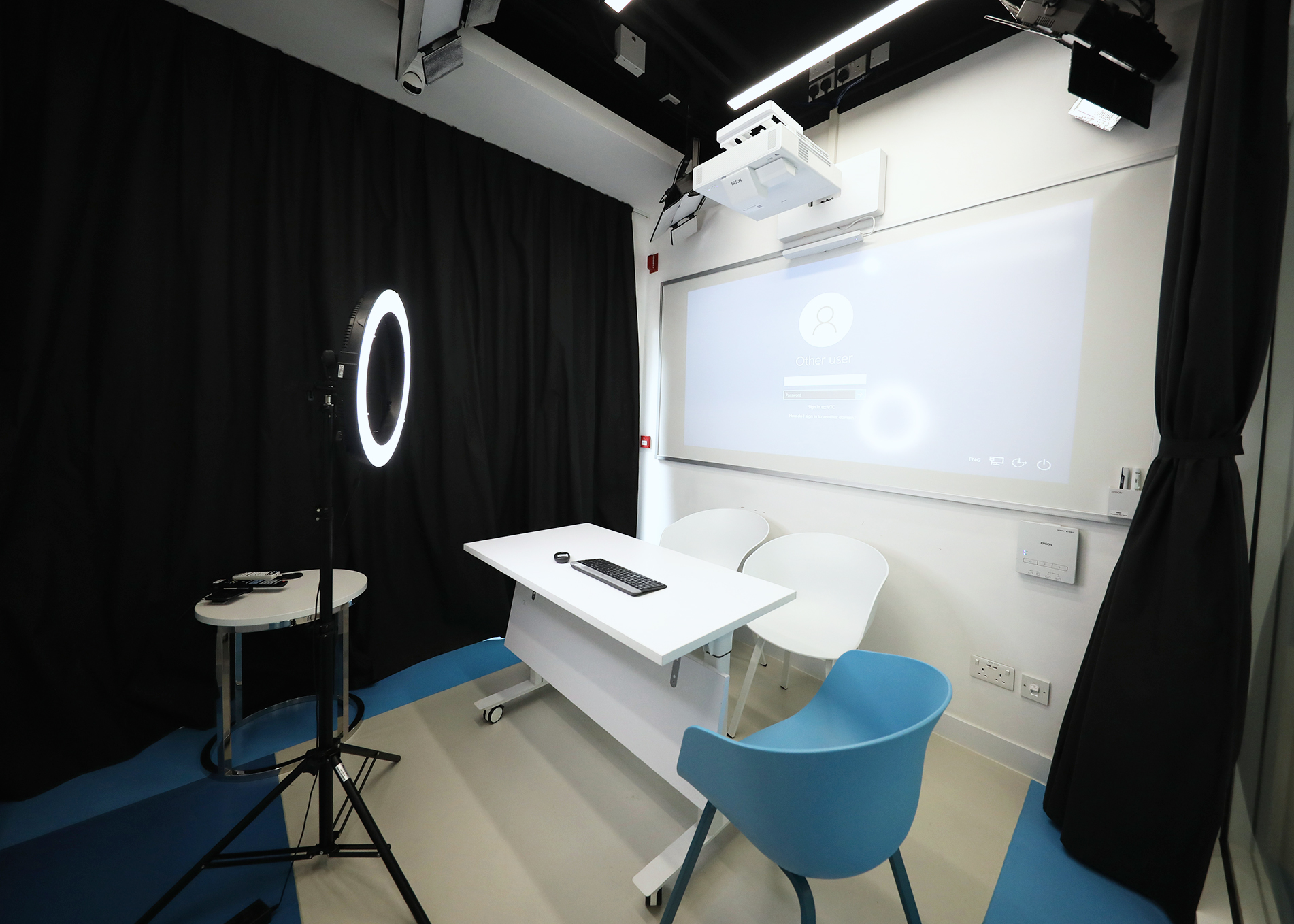
Live Broadcasting Studio
The Live Broadcast Studio provides user friendly settings for live broadcasting. Users can create live streaming events easily.
For further instructions and guidelines of the Live Broadcasting Studio, you can visit this page and read the related user guides of the Live Broadcasting Studio.
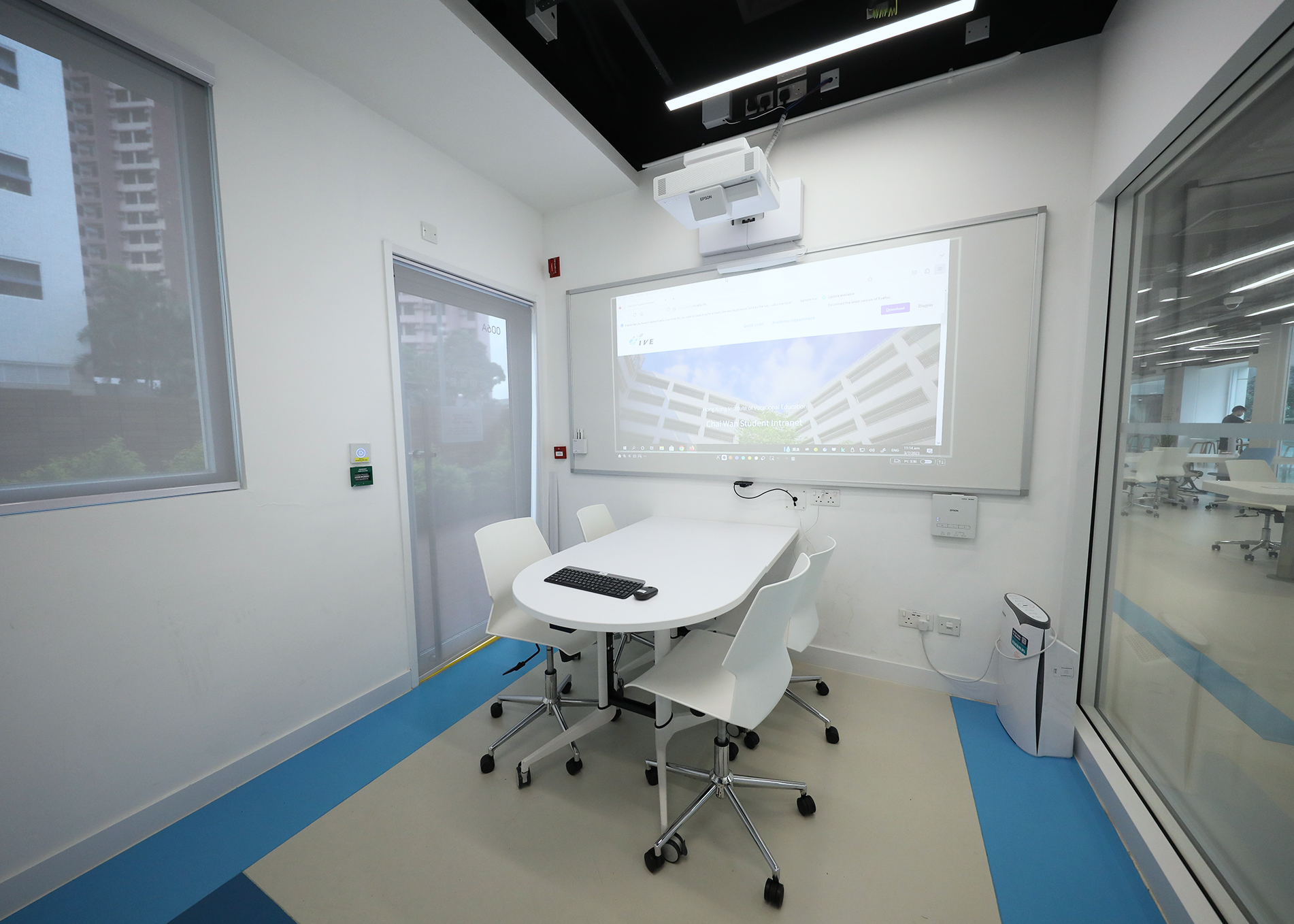
Multi-Purpose Rooms
Equipped with a projector and a desktop, the Multi-Purpose Room provides a space for group discussions and online events.
For further instruction and guideline of the Multi-Purpose Room, you can visit this page and read the related user guide of the multi-purpose room.
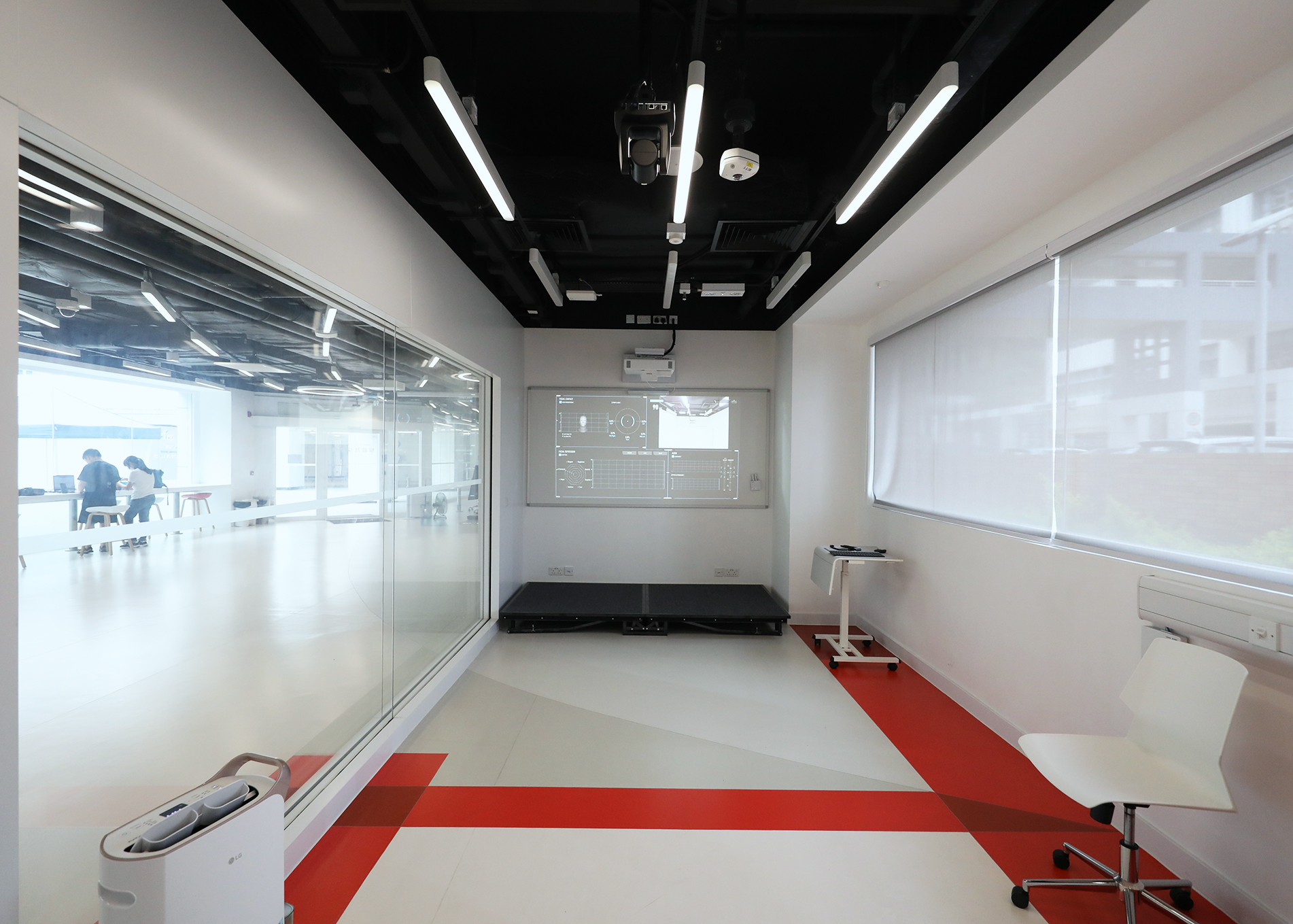
Presentation Rooms
Invented by VTC, the Pitch Coaching System in Presentation Rooms can help students improve their presentation skills. The System analyzes tones, facial expressions, and gestures to give students a holistic analysis of their performance.
For further instruction and guideline of the presentation room, you can visit this page and read the related user guide of the presentation room.
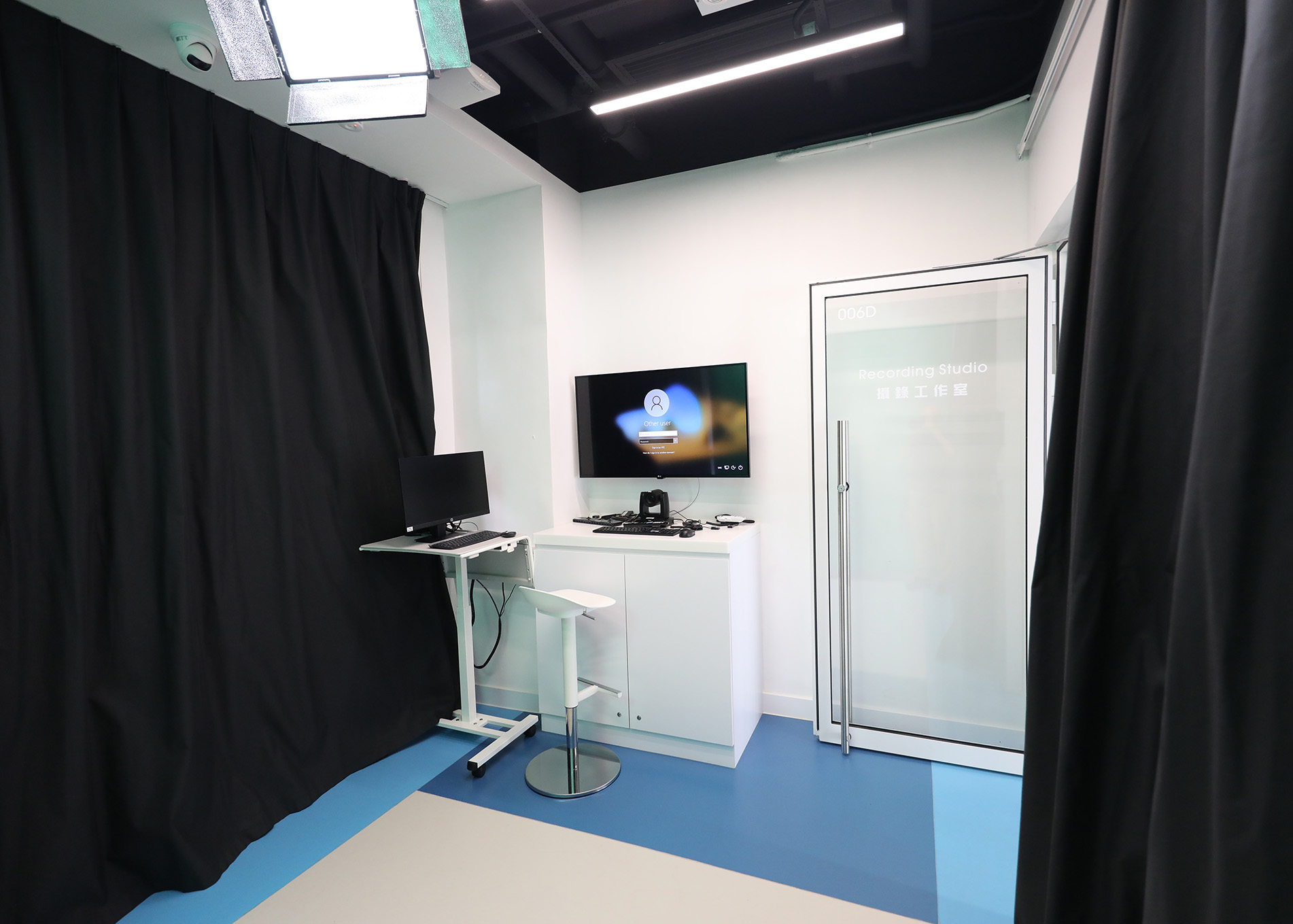
Recording Studio
The Recording Studio provides a ready-to-go and easy-to-use setting for professional video recording without prior knowledge on video production.
For further instruction and guideline of the Recording Studio, you can visit this page and read the related user guide of the recording studio.
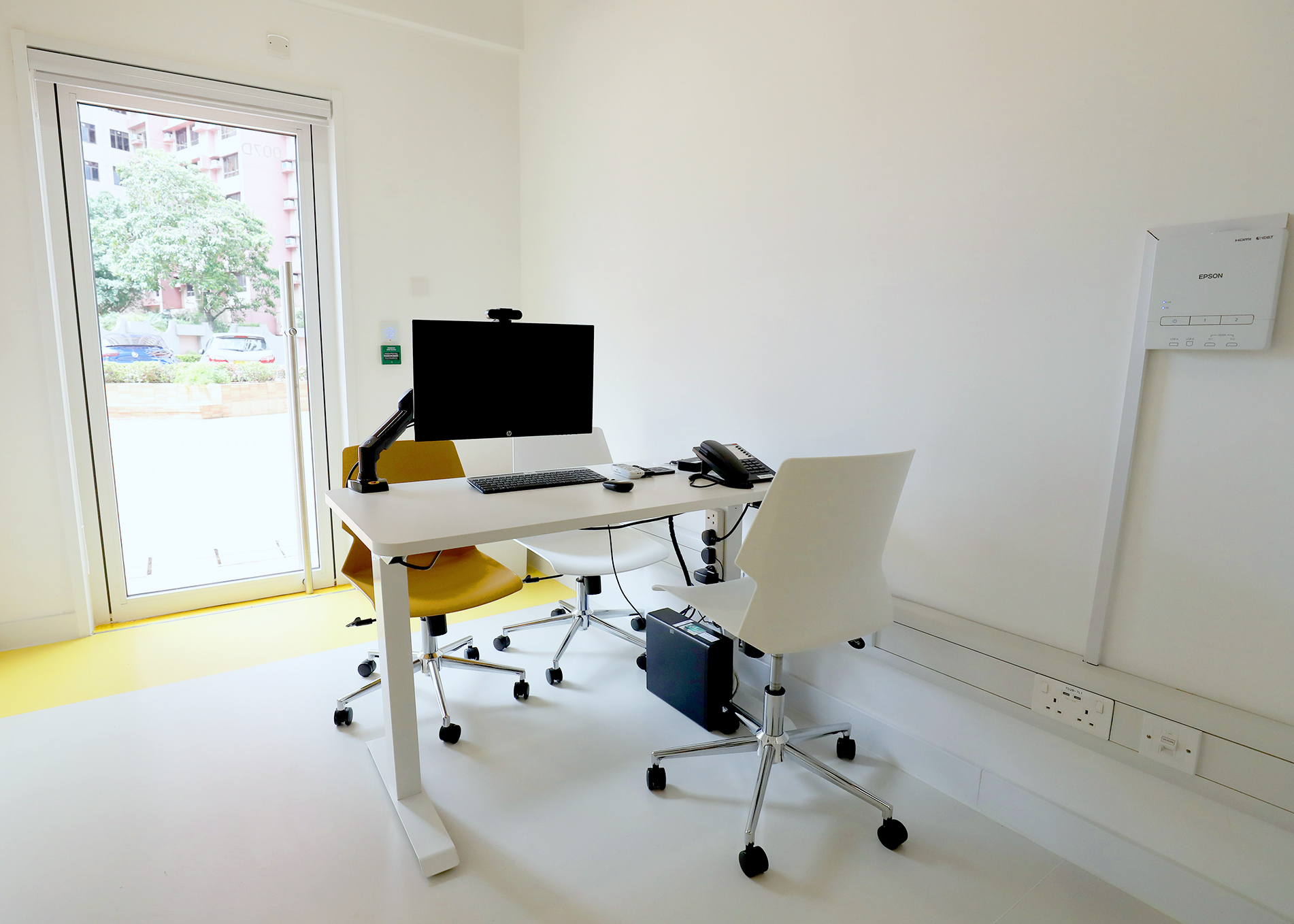
Workstations
The Workstation is equipped with a desktop, a web camera, and a projector. It would be a good choice for users if they prefer a quiet place to study or to have online meetings.
For further instruction and guideline of the workstations, you can visit this page and read the related user guide of the workstations.
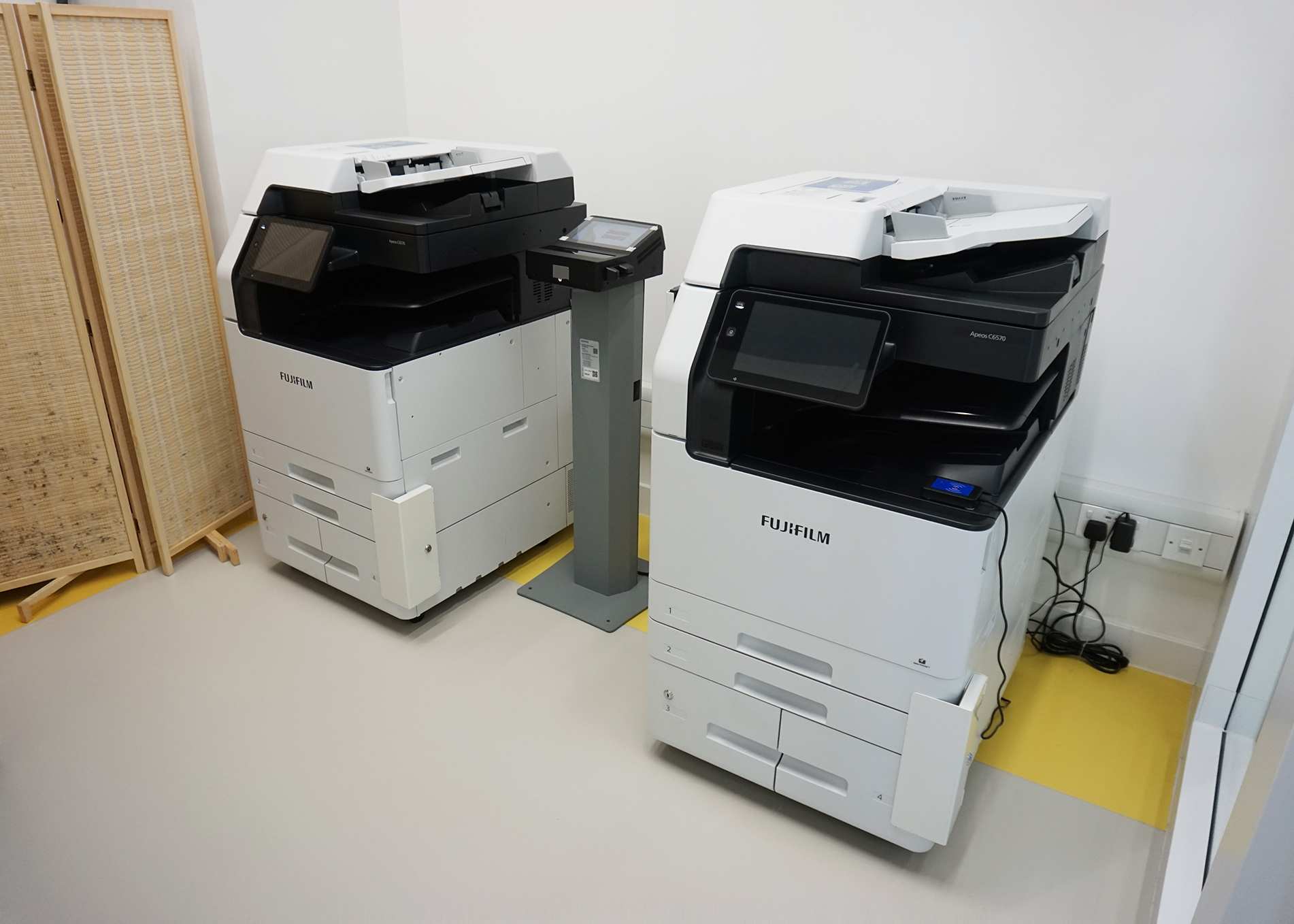
Printing Service
The Learning Commons provides both Quota and Octopus printing services. The Quota photocopier only offers black and white printing. In contrast, the Octopus photocopier provides both color and black and white printing as well as copying services.
For further instructions and guidelines on the printing services at the Learning Commons, you can visit this page and read the related user guide for printing services.